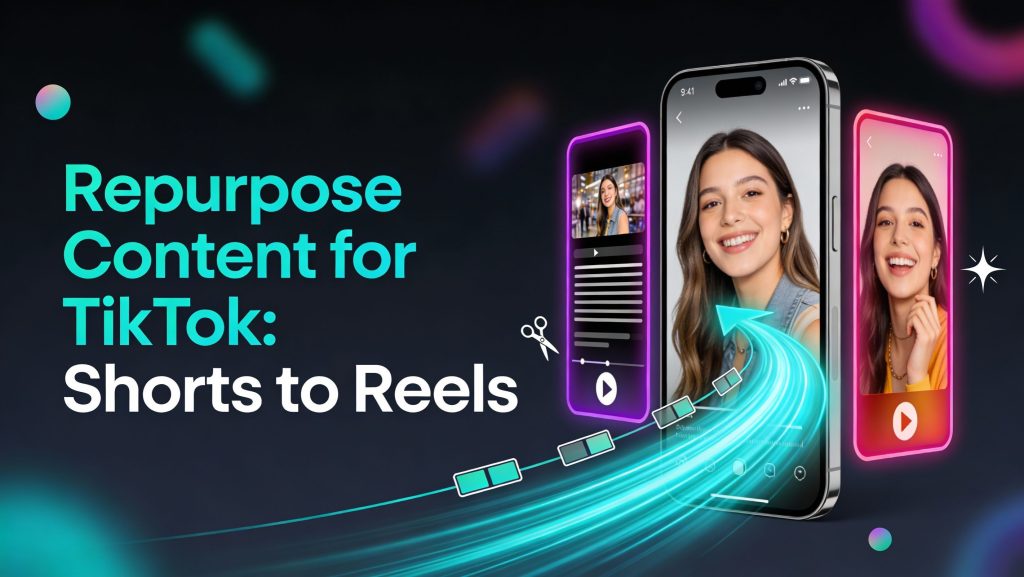
You don’t need three separate content calendars—you need one idea that travels well. This page teaches how to repurpose content for TikTok while creating parallel versions for Reels and YouTube Shorts using small, high-impact adjustments: safe zones, caption style, hook phrasing, and pacing. You’ll also set a naming system so files and variants never get messy. It’s a natural extension of an AI video automation workflow for 3 Shorts a day built for multi-platform growth.
Posting three Shorts a day is hard if every platform demands a separate workflow. A lot of creators end up doing the same work three times. They export one version for YouTube, then re-export for TikTok, then tweak again for Reels. After a week of that, the pace collapses.
A better approach is simple: one core idea, one core cut, then small platform adjustments. You are not rebuilding content. You are packaging it. The tools you choose should support that goal. Fewer exports. Fewer manual uploads. Fewer “where did I save the right version” moments.
The main thing to understand is this: repurposing is not a shortcut. It is a distribution system. It gives each idea more surface area without multiplying your time.
Start With One Core That Works Everywhere
Your core version should make sense anywhere. It should not rely on platform context, platform slang, or platform UI. A good core has three traits:
- The hook is understandable with no context
- The main point fits in one clean sentence
- The proof is visual, or at least easy to show
If you start with a platform-specific core, you will fight your own content later. You will keep rewriting. You will keep re-exporting. The point is to avoid that.
If you create content from long recordings, Riverside is useful because it can generate vertical clips from long-form material and you can still edit those clips after. Their Magic Clips workflow is described as finding engaging parts of your recording and creating multiple clips at once, then letting you make small adjustments. That helps you build “core clips” fast, especially if your long-form content is already strong.
Adapt The Hook, Not The Whole Script
The highest-leverage platform change is the first line. You can keep the same body and swap the hook so it feels native.
Three hook styles map well:
- Clean promise, often works well on YouTube Shorts
- Casual conversational line, often works well on TikTok
- Clean and “saveable” framing, often works well on Reels
This is where most creators overwork. They rewrite everything. They don’t need to. If your core is strong, you adjust the opening and the ending, and you keep the value in the middle.
A practical workflow is to keep three hook options saved for every core clip. Then you match the hook to the platform.
Safe Zones And Text Placement
This is the quiet killer. Your captions can be perfect, but if they sit under a button, the video feels sloppy. Every platform covers part of the screen. The fix is not fancy. It is a consistent safe-zone layout.
Rules that keep you out of trouble:
- Keep captions above the bottom UI
- Keep key text away from the right side
- Keep the subject centered
If you edit with templates, build the safe zone into the template and stop thinking about it. This is one of the easiest wins when you repurpose daily.
Adjust On-Screen Text, Don’t Just Copy-Paste
Each platform has a different feel, but the core caption rules stay the same: short chunks, readable size, consistent placement.
The reason to adjust is simple: what looks fine on one platform can feel cramped on another because UI elements differ and viewing behavior differs.
If you are generating captions on your core clip, do not regenerate captions three times. Keep one caption file and make minor style changes when needed. The goal is speed and consistency.
Change The Ending Based On The Platform Goal
The ending is the second high-leverage lever. Same message, different action.
Examples:
- YouTube Shorts: push binge behavior with a “part 2 tomorrow” style close
- TikTok: ask a direct question to pull comments
- Reels: encourage saves, because saves often matter more than comments there
A platform-specific ending helps you avoid generic “follow for more” fatigue. It also gives your audience a reason to do something right now.
Organize Your Exports So You Don’t Lose Time
If you repurpose daily, file chaos will destroy your speed.
A naming system that stays simple:
- topic-series-episode
- platform tag (yt, tk, ig)
- version tag if you test hooks (v1, v2)
Example: hooks-ep07-yt-v1.
This is boring. That’s why it works. Your future self will thank you when you need to find the right version fast.
Automate Cross-Posting When It Makes Sense
Manual uploading is a hidden time tax. It feels small until you do it 20 times a week. If you are serious about posting daily across multiple platforms, automation becomes worth it.
Repurpose.io is built for this exact workflow. Their site positions the product as a way to automatically repurpose content from places like YouTube and TikTok across social platforms. They also specifically describe workflows to automatically post TikTok videos across channels.
There is also a bigger signal here: Social Media Today reported that YouTube partnered with Repurpose.io to enable reposting content from TikTok and Instagram Reels to YouTube Shorts, with an automation flow and scheduling options. That matters because it shows this is not a fringe use case. It is a mainstream creator problem.
Automation is not all-or-nothing. A practical approach is to automate one direction first:
- Post on TikTok or Reels
- Auto-send to Shorts
- Manually review only the clips you want to curate tightly
That gives you reach without turning your channel into a dump.
Plan And Schedule Across Platforms Without Chaos
If you want control, you need one calendar view. Otherwise, your posting times drift and your series get broken.
Metricool is positioned around scheduling TikTok content alongside Instagram, YouTube Shorts, and other networks, with a calendar workflow and cross-platform planning features. They also mention features like editing posts after scheduling and repurposing content across platforms. That’s useful when you want to keep your “three slots per day” rhythm consistent across apps, not just on YouTube.
A good scheduling setup is not about perfect times. It is about stable times you can test and improve.
Avoid The “Reposted” Feel
Repurposing should feel intentional. If it looks like a copy-paste job, people notice, especially if they follow you on more than one platform.
Common mistakes to avoid:
- Leaving the wrong platform name in the captions
- Keeping the same ending everywhere
- Keeping the same hook everywhere
- Ignoring safe zones and UI overlap
The fix is small: one hook change, one ending change, one caption layout check.
Those three micro adjustments are enough to make content feel native while still coming from the same core.
Repurposing is not about doing less. It is about getting more from every idea without tripling your workload. Riverside helps when you want to turn long recordings into multiple vertical clips and keep the ability to edit and adjust those clips. Repurpose.io helps when manual uploading becomes the bottleneck and you want automated cross-posting and scheduling between platforms. Metricool helps when you need one calendar view to schedule TikTok, Instagram Reels, and Shorts with consistent timing and cross-platform planning.
If you want the next step, the one that makes your output smarter over time, keep going with YouTube Shorts analytics to improve retention, titles, hashtags, and iteration.