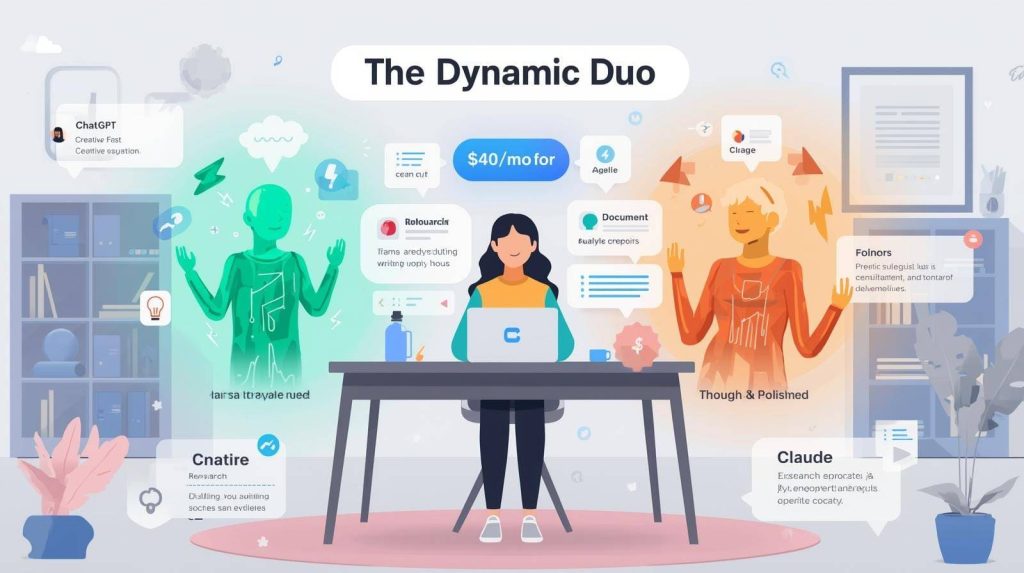
I used to pay $200/month for research assistants to help with article prep. Then I discovered that ChatGPT and Claude could handle 80% of that work for $20-40/month combined. A year later, these two tools have become the foundation of my entire freelance writing workflow.
But here’s what most tutorials won’t tell you: the difference between writers who get generic AI outputs and those who get genuinely useful assistance comes down to prompting. The right prompts turn ChatGPT and Claude from glorified autocomplete into strategic writing partners.
After running thousands of prompts over the past year, here are the exact use cases and prompts that actually move the needle for freelance writers. For a complete overview of all available AI writing tools, check out our comprehensive guide to the best 27 tools for freelancers.
Why Both Tools Instead of Just One?
ChatGPT (especially GPT-4 and GPT-4o in the Plus plan) excels at creative ideation, conversational responses, and generating multiple variations quickly. It’s faster, more playful, and better for brainstorming and exploration.
Claude (particularly Claude 3.5 Sonnet in the Pro plan) handles longer context windows (200,000 tokens vs ChatGPT’s 8,000-128,000), produces more naturally flowing prose, and excels at analysis and structured thinking. It’s more measured, thorough, and better for complex research or long-form drafting.
I use ChatGPT for quick tasks, idea generation, and variety. I use Claude for deep analysis, long documents, and polished drafting. Together they cost $40/month and cover 90% of my AI writing needs
If you’re on a tight budget, both tools offer excellent free tiers covered in our guide to best free AI writing tools.
Use Case 1: Article Research and Topic Understanding
The Problem: You need to write about an unfamiliar topic and don’t have time to read 20+ articles to get up to speed.
The Prompt (ChatGPT or Claude):
textI'm writing a 1,500-word article about [TOPIC] for [AUDIENCE]. I need to understand this topic quickly.

Please provide:
1. A 200-word overview explaining [TOPIC] in simple terms
2. The 5 most important concepts or subtopics I should cover
3. Common misconceptions or debates in this area
4. 3-5 current statistics or data points (with approximate sources)
5. Who the recognized experts or thought leaders are

Keep explanations clear and actionable for a writer, not overly technical.
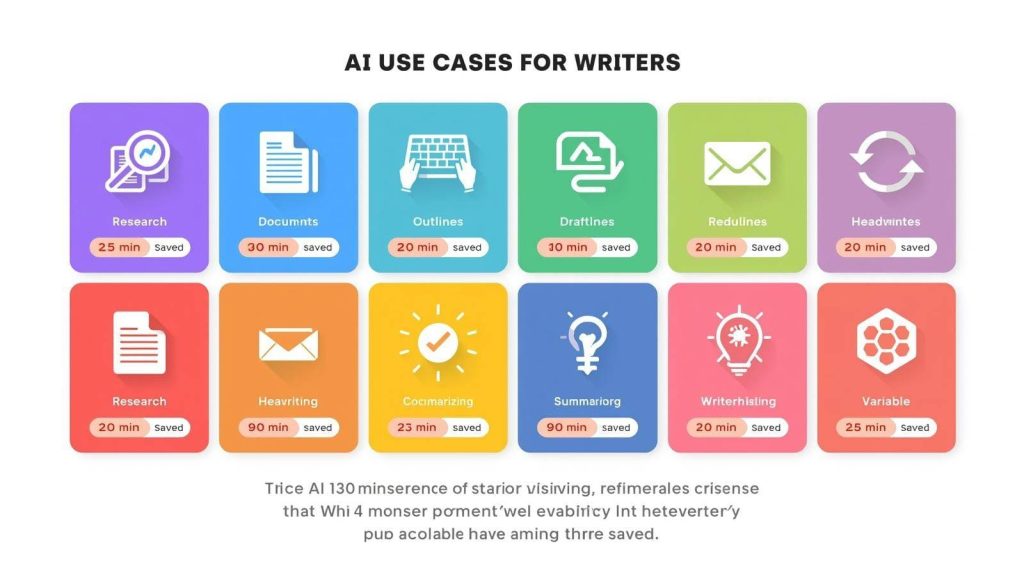
Why It Works: This structured prompt gives you research foundation in 3-5 minutes that would take 60+ minutes of manual reading. You’re not asking for generic information—you’re asking for the specific elements you need to write confidently.
Pro Tip: Follow up with “What questions would readers likely have about [TOPIC]?” to identify FAQ sections or content gaps.
Use Case 2: SEO-Optimized Article Outlines
The Problem: You need to create comprehensive outlines that cover all important aspects while targeting specific keywords.
The Prompt (ChatGPT or Claude):
textCreate a detailed outline for a 1,500-word SEO article targeting the keyword "[YOUR KEYWORD]" for [AUDIENCE].

Include:
- Compelling H1 title (under 60 characters, include keyword)
- 6-8 H2 sections covering main topics
- 2-3 H3 subsections under each H2
- Brief 1-sentence description of what each section should cover
- Suggested word count per section

The tone should be [professional/conversational/technical]. Focus on providing actionable value, not just information.
Why It Works: The outline becomes your roadmap, eliminating the “staring at blank page” phase. You’re directing structure, not writing from scratch
When to Use Which: ChatGPT generates outlines faster with more creative angles. Claude produces more thorough, well-reasoned structures for complex topics.
For dedicated SEO tools that automate this process even further, check out our comparison of Frase, Surfer SEO, and Scalenut.
Use Case 3: Drafting Body Paragraphs (Not Full Articles)
The Problem: You have an outline but need help drafting informational sections while maintaining control over voice and accuracy.
The Prompt (Claude works better here):
textBased on this outline section: [PASTE H2 AND H3 HEADINGS]

Write a 200-word paragraph that:
- Explains [CONCEPT] clearly for [AUDIENCE]
- Uses conversational, accessible language (avoid jargon)
- Includes a specific example or use case
- Connects to why this matters for the reader

Do not write an intro or conclusion. Focus only on explaining the core concept clearly.
Why It Works: You’re asking for a specific section, not a full article, which gives you control over flow and lets you inject your voice in intros, transitions, and conclusions.
My Workflow: I write intros/conclusions myself, use AI for body paragraphs, then rewrite 40-50% to match my voice. This saves 60% of drafting time while maintaining quality
To learn more about maintaining your voice when using AI drafts, read our guide on using AI without losing your unique voice.
Use Case 4: Rewriting for Clarity and Tone
The Problem: You’ve written a section but it feels awkward, unclear, or doesn’t match the intended tone.
The Prompt (ChatGPT or Claude):
textRewrite this passage to be more [clear/engaging/conversational/professional]:

[PASTE YOUR TEXT]

Keep the same core message and key points, but improve:
- Sentence flow and rhythm
- Clarity of explanations
- [Tone adjustment: more conversational, less corporate, etc.]

Aim for the same length or slightly shorter.
Why It Works: Instead of struggling with phrasing, you get instant alternatives that often spark better versions in your own voice.
Pro Tip: Ask for 2-3 variations: “Give me 3 different ways to rewrite this—one more formal, one more conversational, one more concise.”
For dedicated paraphrasing tools, see our comparison of Grammarly, ProWritingAid, and QuillBot.
Use Case 5: Client Email Communication
The Problem: You need to respond to client feedback, pitch new projects, or handle revisions professionally without spending 20 minutes crafting each email.
The Prompt (ChatGPT works great here):
textWrite a professional email responding to this client message:

[PASTE CLIENT EMAIL]

Key points to address:
- [Point 1]
- [Point 2]
- [Point 3]

Tone should be: friendly but professional, confident, solution-focused. Keep it under 150 words.
Why It Works: AI handles the professional phrasing and structure, you just provide the key points. This cuts email drafting time by 60-70%
Common Use Cases:
- Pitch emails to new clients
- Revision acknowledgment and timelines
- Project status updates
- Polite deadline extension requests
Use Case 6: Headline and Title Generation
The Problem: You need compelling headlines that drive clicks while including target keywords.
The Prompt (ChatGPT excels here):
textGenerate 10 headline options for an article about [TOPIC] targeting [AUDIENCE].

Requirements:
- Include the keyword "[KEYWORD]" naturally
- Under 60 characters for SEO
- Mix of formats: how-to, listicle, question, ultimate guide
- Focus on reader benefit, not just topic description

Make them compelling and specific, not generic.
Why It Works: You get variety quickly and can mix/match elements from different options to create the perfect headline
Follow-Up: “Which 3 headlines are most likely to get clicks from [SPECIFIC AUDIENCE]?” for data-driven selection.
Use Case 7: Content Summarization and Research Synthesis
The Problem: You need to digest multiple long articles or documents quickly to extract key insights.
The Prompt (Claude is superior here due to long context):
textI'm pasting 3 articles below about [TOPIC]. Please:

1. Identify the 5 main themes or arguments across all articles
2. Note where sources agree or disagree
3. Extract the most important statistics or data points (with source attribution)
4. Summarize any unique insights from each article

Keep the summary under 500 words, organized by theme.

[PASTE ARTICLE 1]
---
[PASTE ARTICLE 2]
---
[PASTE ARTICLE 3]
Why It Works: Claude’s 200,000-token context handles multiple long documents simultaneously, extracting patterns humans would need hours to identify
Time Saved: Research synthesis that used to take 90-120 minutes now takes 10-15 minutes.
Use Case 8: Fact-Checking and Citation Help
The Problem: You need to verify claims or find sources to support statements in your draft.
The Prompt (ChatGPT with web browsing or Perplexity):
textFact-check this statement and provide current data with sources:

"[YOUR CLAIM OR STATEMENT]"

Please:
- Confirm if the statement is accurate
- Provide updated statistics if available
- Give 2-3 credible sources I can cite
- Note if any important context is missing
Why It Works: Automated fact-checking catches errors before clients do and provides citations that strengthen credibility.
Best Practice: Always verify AI-provided sources by clicking links—AI occasionally generates plausible-sounding but nonexistent URLs.
Use Case 9: Overcoming Writer’s Block
The Problem: You know what you want to say but can’t find the right words or angle.
The Prompt (ChatGPT or Claude):
textI'm stuck on this section of my article. Here's what I'm trying to communicate:

[EXPLAIN YOUR POINT IN ROUGH TERMS]

The section should be about 150 words and needs to:
- Make [CONCEPT] clear for [AUDIENCE]
- Connect to [PREVIOUS SECTION]
- Lead into [NEXT SECTION]

Give me 2-3 different ways to approach this section.
Why It Works: Seeing alternative approaches often breaks the mental block and sparks your own better version
Use Case 10: Creating Content Variations for A/B Testing
The Problem: Clients want multiple versions of ad copy, email subject lines, or social posts for testing.
The Prompt (ChatGPT):
textCreate 10 variations of this [email subject line / ad headline / social post]:

Original: [YOUR TEXT]

Requirements:
- Keep core message the same
- Vary length, tone, and approach
- Include options that are: direct, question-based, benefit-focused, curiosity-driven, urgent

Label each variation with its approach.
Why It Works: Instant variations that would take 30+ minutes to write manually, delivered in seconds
ChatGPT vs Claude: When to Use Which
Use ChatGPT for:
- Quick ideation and brainstorming
- Headline and title generation
- Email drafting and client communication
- Multiple variations of short-form content
- Creative angles and unexpected approaches
- Conversational, energetic tone
Use Claude for:
- Long document analysis and summarization
- Complex research synthesis across multiple sources
- Polished long-form drafting
- Detailed, structured outlines
- Professional, measured tone
- Anything requiring deep context understanding
Common Prompting Mistakes to Avoid
Too vague: “Write about AI writing tools” → Better: “Write a 200-word section explaining how AI writing tools save freelancers time, with specific examples”
No context: Just pasting a question → Better: Including audience, tone, purpose, and constraints
Asking for everything at once: “Write a complete article” → Better: Breaking tasks into research, outline, section drafting, editing
Not iterating: Accepting first output → Better: Following up with “Make this more conversational” or “Add a specific example”
The Bottom Line
ChatGPT and Claude aren’t magic—they’re tools that multiply your effectiveness when used strategically. The prompts above represent a year of refinement and thousands of iterations to find what actually works for freelance writing.
Start with 2-3 use cases that solve your biggest bottlenecks—probably research, outlining, or drafting. Master those prompts completely before expanding to other use cases.
Within a month, these tools will feel like essential members of your team. Within three months, you’ll wonder how you ever worked without them. And within six months, you’ll have customized these prompts into your own system that fits your exact workflow.
The writers succeeding with AI in 2026 aren’t using it to write for them—they’re using it to research faster, think clearer, and draft smarter while keeping their creativity, expertise, and voice firmly in control.
For more productivity strategies and tool combinations, read our guide on using AI to 10x your productivity without replacing creativity. And for comprehensive tool recommendations across all categories, refer back to our complete guide to AI writing tools for freelancers.

A.G. Makoudi is a tech writer specializing in SaaS tools and digital solutions, helping readers simplify technology and make smarter software choices.