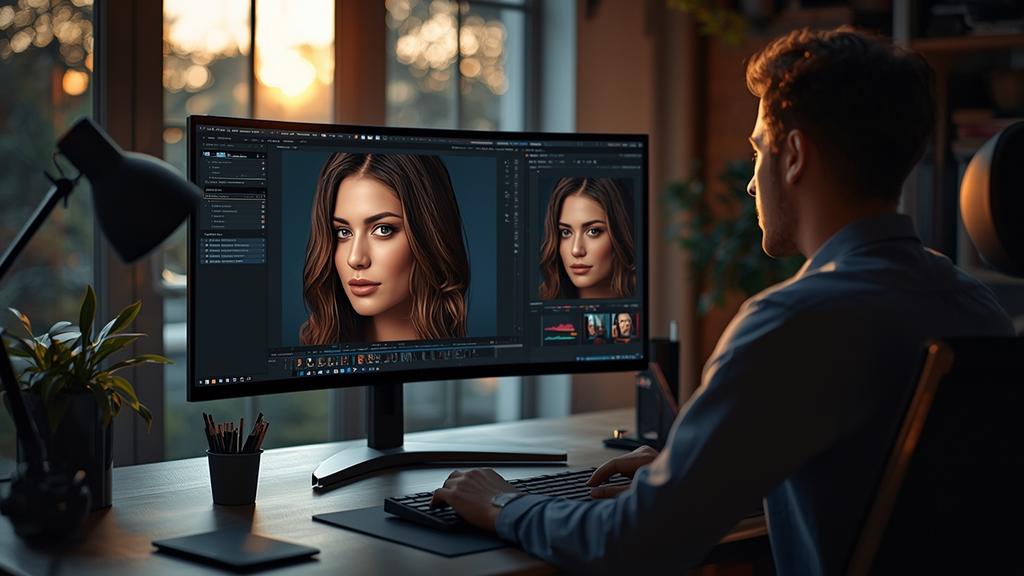
Stop spending hours on mask paths and blemish removal. These AI photo editors handle the heavy lifting while you focus on creative direction.
High-end retouching used to be a gatekept skill requiring years of practice and an expensive suite of peripherals. As we move through 2026 the barrier to entry has vanished replaced by intuitive neural networks that understand lighting anatomy and texture better than the human eye. For the modern content creator or solo entrepreneur these tools represent a massive shift in how we produce visual assets for digital platforms.
The Evolution of Semantic Image Editing in 2026
We are no longer in the era of simple filters or basic brightness adjustments. The current landscape of software focuses on semantic editing where the program recognizes individual elements within a frame. If you want to change the color of a specific shirt or adjust the depth of field behind a subject the software understands these as distinct objects rather than just clusters of pixels. This shift allows for a level of precision that was previously only available to high-budget advertising agencies.
In my experience as a content strategist I have seen how much time freelancers lose to minor technical hurdles. Whether you are a ghostwriter needing a professional headshot or a digital creator building a brand the ability to polish an image in thirty seconds instead of thirty minutes is a competitive advantage. When building your Ultimate AI Design Toolkit selecting the right editor is the foundation of a visual brand that resonates with high-ticket clients.
Adobe Photoshop 2026: The Gold Standard Refined
Adobe has maintained its dominance by integrating the Firefly 4.0 engine directly into the Photoshop workspace. This year the standout feature is the Generative Match 2.0 which allows you to upload a reference photo and have the software automatically apply the same lighting and color grading to your current project. This ensures brand consistency across hundreds of images with zero manual tweaking.
The 2026 version of Photoshop also introduces the Intelligent Skin Texture engine. Unlike older smoothing tools that often left subjects looking plastic this new model reconstructs skin pores and natural imperfections while removing redness or unwanted shadows. It costs $22.99 per month for the standalone app but for those who handle high volumes of client work the time saved on frequency separation alone justifies the price. The interface has been streamlined for creators who do not need the full legacy toolbar making it more accessible for solo entrepreneurs who want professional results without the steep learning curve.
Luminar Neo: The Power of One-Click Workflows
Luminar Neo has carved out a massive niche in 2026 by catering to creators who value speed above all else. Its latest update features GenErase 3.0 which uses predictive modeling to remove complex objects from backgrounds. If a distracting power line or an unwanted person ruins a perfect shot the software fills the gap with perfectly matched environmental lighting. This is particularly useful for travel creators and real estate entrepreneurs who cannot always control their shooting environment.
One of the most impressive additions this year is the Atmospheric Depth Map. This tool allows users to insert realistic fog mist or light rays that interact naturally with the 3D space of the photo. Many creators are now blending original photography with ai generated images to create surreal marketing assets that stand out in crowded social feeds. At a subscription price of $14.99 per month or a lifetime license of $299 Luminar Neo remains a top contender for those who need high-end retouching on a budget.
Topaz Photo AI 4.0: Mastering Resolution and Clarity
While other editors focus on creative manipulation Topaz Photo AI 4.0 specializes in technical perfection. This tool is essential for anyone dealing with low-quality source material or older archives. In 2026 the Face Recovery 3.0 feature has set a new benchmark for clarity. It can take a blurry out-of-focus snapshot and reconstruct a sharp professional-grade portrait using deep learning models trained on millions of high-resolution faces.
The software also excels in noise reduction without losing fine detail. If you are shooting in low-light conditions or using a smartphone camera Topaz can upscale the image to 600% while maintaining crisp edges and natural textures. It is a standalone purchase of $199 which may seem high up front but for professionals who need to print large-scale marketing materials or fix unusable footage it is an indispensable asset. It functions both as a standalone application and a plugin for other major editors making it a flexible part of any workflow.
Canva Magic Studio: Retouching for the Social Entrepreneur
Canva has evolved far beyond its origins as a simple layout tool. In 2026 the Magic Studio suite offers retouching capabilities that rival professional software for most web-based applications. The Magic Grab feature allows you to select any subject in a photo and move it around as if it were a separate layer. The software automatically fills in the background behind the subject with startling accuracy.
For ghostwriters and solo entrepreneurs who need to create quick social media posts or book covers Canva is often the most logical choice. It includes a brand kit that automatically applies your specific color palettes to any retouched photo. The Pro version at $120 per year is perhaps the best value on this list because it combines high-end AI editing with a massive library of templates and assets. It is the perfect solution for those who need their visual content to look expensive without actually spending thousands on production.
Pixelmator Pro: The Apple Ecosystem Specialist
For those working exclusively on Mac or iPad Pixelmator Pro has introduced spatial editing features in 2026 that integrate with vision-based computing. The software uses Apple Silicon to its full potential providing near-instant rendering for complex neural filters. Its smart masking tool is currently the fastest in the industry allowing you to isolate hair or transparent objects like glass with a single click.
The 2026 version includes a new feature called Color Harmonizer. This tool analyzes the color theory of your image and suggests adjustments to create a more pleasing aesthetic based on classic art principles. It is a one-time purchase of $49.99 making it the most affordable high-end option for Apple users who want to avoid recurring subscription fees while still accessing cutting-edge technology.
Choosing the Right Editor for Your 2026 Workflow
Selecting the best tool depends entirely on your specific output requirements. If you are a high-volume photographer or a creative lead for a large brand the deep feature set of Adobe Photoshop is still the most robust choice. However if you are a freelancer looking to optimize your time Luminar Neo or Canva might provide the efficiency you need to scale your business. The key is to find a balance between creative control and automated precision.
High-end retouching is no longer about the technical ability to move a brush. It is about the vision to know how an image should feel and using these advanced tools to reach that destination quickly. As these neural networks continue to improve the focus shifts from the process to the final impact of the visual story you are telling. Investing in one of these editors today ensures that your content remains relevant and visually stunning in an increasingly competitive digital marketplace.

Enthusiast in exploring AI tools, blogger, and founder of TaskAITools. I help freelancers and businesses grow by providing smart and innovative AI solutions.