Three platforms dominate the 2025 AI video generation landscape: Runway Gen-3, Google Veo, and Luma Dream Machine. Each has carved out a distinct position, and choosing the wrong one for your workflow can waste hundreds of dollars and hours of frustration
We tested all three on identical prompts—ranging from cinematic drone shots to product close-ups—to determine which tool delivers the best value for freelancers and content creators working under real client deadlines.
The Three Philosophies: What Each Tool Optimizes For
Runway Gen-3: The Professional’s Control Panel
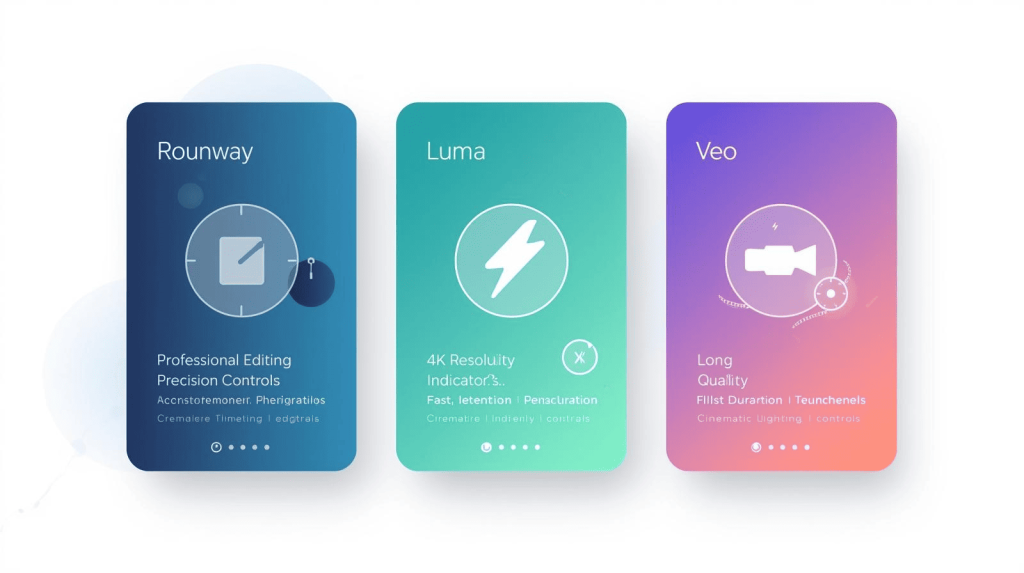
Runway positions itself as the creative director’s tool—prioritizing precision, consistency, and integration into professional workflows. It’s not the fastest or cheapest, but when you need frame-perfect control and broadcast-quality output, Runway delivers
Luma Dream Machine: The Speed Demon
Luma optimizes for accessibility and speed. It generates high-quality 4K video in under 2 minutes, with a simple interface designed for rapid content creation without technical barriers. It’s the tool for creators who value iteration speed over pixel-perfect control
Google Veo: The Cinematic Realist
Veo, powered by Google DeepMind, focuses on realism and narrative coherence. It understands cinematic language deeply—terms like “timelapse,” “aerial shot,” and “cyberpunk aesthetic” produce consistently on-brand results. It’s aimed at marketers and storytellers who need professional-looking footage without manual direction
Head-to-Head Comparison: Features That Actually Matter
Generation Speed
- Luma: Under 2 minutes per clip
- Runway: 3-5 minutes per clip
- Veo: 5-15 minutes (especially with enhanced quality modes)
Freelancer Impact: When you’re iterating on client feedback or testing multiple creative directions, Luma’s speed advantage translates to completing projects in hours instead of days.
Output Quality & Resolution
- Luma: 4K lifelike visuals with excellent physics accuracy
- Runway: Professional cinematic quality at 1080p (4K upscale available)
- Veo: 1080p+ with superior motion consistency and lighting continuity
Reality Check: A recent test found Veo produced videos with 37% better object consistency and 42% improved lighting continuity compared to Luma, though at significantly longer generation times
Motion Control & Camera Direction
- Runway: Advanced Motion Brush lets you “paint” specific areas to animate while keeping others still. Precise camera path controls (zoom, pan, tilt, dolly).f
- Luma: Basic camera controls focused on natural motion.
- Veo: Strong prompt adherence for cinematic terms, but less granular manual control
Winner for Control Freaks: Runway. If you need a product to rotate exactly 45 degrees or a specific background element to move independently, only Runway gives you that level of direction
Prompt Adherence
- Runway: Excellent at following complex prompts with minimal errors
- Luma: Strong at accurately interpreting specific creative instructions
- Veo: Superior understanding of cinematic vocabulary
Practical Test: We prompted all three with “A coffee cup spinning slowly on a marble countertop, golden hour lighting, shallow depth of field.” Runway nailed the exact rotation speed. Luma delivered the fastest result with good physics. Veo produced the most “film-like” lighting and texture.
Video Duration
- Luma: Up to 10 seconds (with “Extend” feature to chain clips)
- Runway: Up to 10 seconds base (16 seconds with Gen-4)
- Veo: Up to 120 seconds in some modes
Winner for Storytelling: Veo’s longer clip capability reduces the need for constant cutting and stitching.
Pricing: What You Actually Pay Per Minute of Video
Runway Pricing (2025)
- Standard Plan: $12/month (625 credits) = ~1 minute of Gen-3 Alpha video
- Pro Plan: $28/month (2,250 credits) = ~3.3 minutes
- Unlimited Plan: $76/month = unlimited “relaxed” generations
Credit Costs:
- Gen-3 Alpha: 10 credits/second
- Gen-3 Alpha Turbo: 5 credits/second
- 4K Upscale: +2 credits/second
Luma Dream Machine Pricing
Luma offers creator-friendly tiers with faster processing and 4K output at lower price points than Runway. Specific 2025 pricing varies, but positions itself as the budget-conscious choice without sacrificing quality
Google Veo Pricing
- Per-second billing: $0.50/second = $30/minute
- Integrated into Google AI Pro at $19.99/month
ROI Analysis: A mid-size client used Veo to create a product demo that would have cost $3,500+ with traditional video production. The AI version cost approximately $200 (including editing) and achieved 72% of the engagement metrics of professionally-produced videos
Best Use Cases: Which Tool for Which Job?
Choose Runway If:
- You’re producing commercials, music videos, or high-end branded content where every frame must match a creative brief
- You need Motion Brush to animate specific elements independently (e.g., make steam rise from a coffee cup while the cup stays still)
- You’re integrating AI footage into a professional editing workflow (Premiere, DaVinci) and need consistent quality
Real Freelancer Example: Film studios use Runway for pre-visualization and concept development, leveraging Gen-3 Alpha’s cinematic quality for professional storyboards
Choose Luma If:
- You need quick b-roll to fill gaps in edits on tight deadlines
- You’re creating high-volume social media content (Reels, Shorts, TikTok) where speed matters more than pixel-perfection
- You want to test multiple creative directions rapidly before committing to a final concept
Real Freelancer Example: Social media managers use Luma to generate 10+ variations of a product shot in an hour, then A/B test to see what performs best
Choose Veo If:
- You’re producing marketing videos or explainer content that needs to feel “professionally shot”
- You need longer continuous takes (60+ seconds) for storytelling without constant cuts
- You’re working with international clients and need consistent quality across different prompts and styles
Real Freelancer Example: YouTubers use Veo for establishing shots and B-roll that seamlessly blends with real footage
The Hybrid Workflow: Best of All Three
The smartest freelancers don’t pick one tool—they use all three strategically:
- Ideation Phase: Use Luma to rapidly generate 5-10 creative directions in under 20 minutes.
- Client Approval: Present the Luma drafts. Once the client picks a direction, regenerate the hero shots in Runway with Motion Brush for precise control.
- B-Roll & Filler: Use Veo for longer establishing shots and background footage that needs to feel cinematic.
This approach balances speed (Luma), control (Runway), and cinematic quality (Veo) without paying for three Unlimited plans.
To learn how to edit and assemble these clips efficiently, check our guide on Best AI Video Editing Tools for Freelancers.
The Bottom Line
For most freelancers starting in AI video: Begin with Luma Dream Machine. Its speed, 4K output, and lower cost let you build a portfolio and test client demand without a large upfront investment
Once you’re landing paid projects: Add Runway Standard ($12/month) for high-stakes client work where control and consistency matter
For established video businesses: Veo (via Google AI Pro at $19.99/month) offers the best balance of quality and duration for marketing-focused content
The “best” tool isn’t the one with the most features—it’s the one that fits your specific workflow, client expectations, and budget reality. Start with one, master it, then expand strategically as your AI video services grow.
Want more AI video generator options? Read our full Top 10 AI Video Generators for Freelancers comparison.

A.G. Makoudi is a tech writer specializing in SaaS tools and digital solutions, helping readers simplify technology and make smarter software choices.