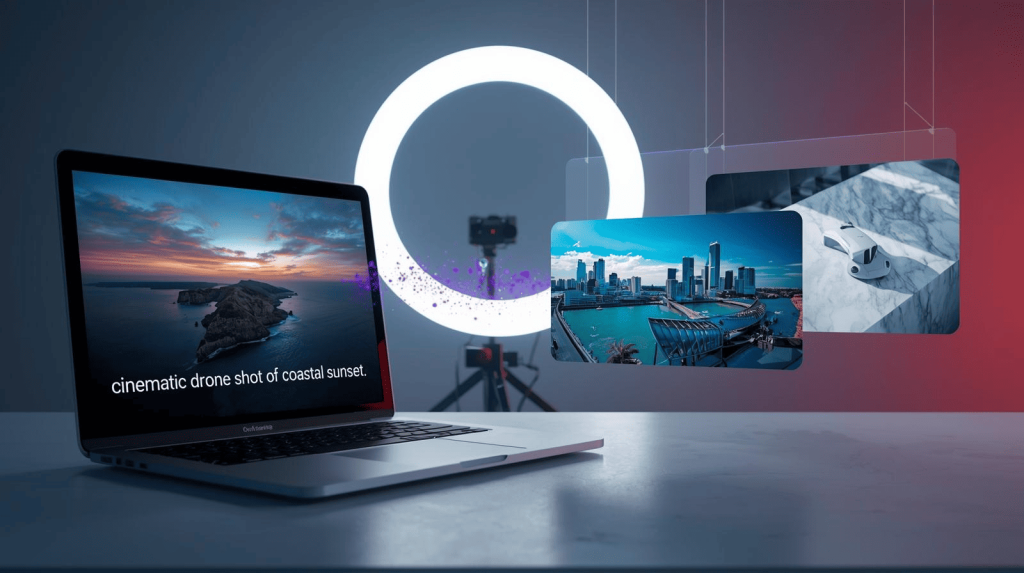
For freelancers and creators, 2025 is the year AI video generation finally became “client-ready.” We’ve moved past the glitchy, flickering nightmares of early models to consistent, cinematic footage that real businesses are paying for.
Whether you need b-roll for a YouTube documentary, a product showcase for an ecommerce brand, or a scroll-stopping social ad, there’s now an AI tool that can generate it in seconds.
But with new models launching constantly, knowing where to invest your budget is tough. We tested the top 10 AI video generators available right now to help you build the perfect creative stack.
Note: To understand how these generators fit into a complete production pipeline, read our full guide on AI Video Tools for Freelancers & Creators.
1. Runway (Gen-3 Alpha) – The Creative Pro’s Choice
Best For: Precise cinematic control and complex direction.
Runway remains the gold standard for professionals who need control, not just random generation. The Gen-3 Alpha model offers a massive leap in fidelity and temporal consistency.
- Why Freelancers Love It: Unlike simple prompters, Runway offers Motion Brush and camera controls. You can “paint” a specific area (like water or clouds) to animate it while keeping the rest still.
- Best Workflow: Generate a high-quality image in Midjourney (see our Top 10 AI Design Tools for why we pick Midjourney), then use Runway’s Image-to-Video to bring it to life with specific direction.
2. Luma Dream Machine – The Speed & Realism King
Best For: Fast, high-quality b-roll and realistic physics.
Luma Labs’ Dream Machine is incredibly fast and understands real-world physics surprisingly well. It’s accessible and produces 1080p output that rivals big tech competitors.
- Key Feature: The “Loop” and “Extend” features allow you to generate a 5-second clip and intelligently extend it to 10 or 15 seconds, maintaining context perfectly.
- Use Case: Need a shot of a “futuristic coffee shop”? Luma generates it in minutes, filling gaps in your edits instantly.
3. Kling AI (1.5 / 2.0) – The Long-Form Beast
Best For: Longer clips (up to 2 minutes) and complex character movement.
Kling shocked the industry by generating videos up to 2 minutes long (in pro mode) with 1080p resolution at 30fps. Its ability to maintain temporal coherence—keeping a character looking the same from start to finish—is unmatched.
- Why It Matters: It handles complex human actions (eating, walking, interacting) better than most competitors. If you need a continuous shot for storytelling, Kling is your best bet.
4. Google Veo (YouTube Shorts / VideoFX)
Best For: Accessibility and social media creators.
Google’s answer to Sora, Veo, is designed for the massive YouTube ecosystem. It excels at creating 1080p clips often exceeding a minute, integrated directly into Shorts creation tools.
- Why It Matters: It has a deep understanding of cinematic terms and offers a “good enough” result instantly for casual creators.
5. OpenAI Sora (Turbo/Pro)
Best For: The “Wow” factor and complex multi-subject scenes.
Sora remains the benchmark for raw imaginative power. It doesn’t just animate pixels; it simulates a 3D world, handling reflections, shadows, and object permanence flawlessly.
- Use Case: Use it for “hero shots”—the opening scene of a video that needs to impress a client immediately.
6. Hailuo AI (Minimax) – The Realism Specialist
Best For: Hyper-realistic texture and product shots.
A rising star in Image-to-Video, Hailuo respects the input image almost perfectly. It adds motion without distorting the original subject’s face or product details.
- Freelancer Tip: Ideal for Ecommerce ads. Take a still photo of a client’s product and make it float, spin, or sit in a moving environment.
7. Synthesia – The Corporate Standard
Best For: Talking heads, training videos, and corporate comms.
Synthesia doesn’t create “art”; it creates speakers. It allows you to produce professional videos with AI avatars speaking your script in 140+ languages.
- Key Upgrade: The new “Expressive Avatars” have micro-expressions (nods, smiles) that feel much less robotic. It’s the #1 tool for selling scalable “Corporate Training Video” services.
8. HeyGen – The Localization Expert
Best For: Video translation and personalized outreach.
HeyGen shines in Video Translation. It can take a video of you speaking English and dub it into Spanish or Japanese while changing your lip movements to match the new language perfectly.
- Use Case: Offer “Content Localization” as a new service to your existing YouTuber or business clients.
9. Pika (Pika Art) – The Stylized Animator
Best For: Anime style, 3D animation, and fun social content.
Pika focuses on “vibe” and style rather than pure photorealism. It’s fantastic for music videos and stylized social content.
- Quick Tip: For simple social graphics instead of full animation, you might also check the Magic tools in our Canva AI Review.
10. Leonardo.ai (Motion) – The Asset Creator
Best For: Designers needing image + video in one dashboard.
Leonardo is primarily an image generator, but its “Motion” feature lets you add movement to any generated image instantly. It’s perfect for ensuring your video assets match your static design assets perfectly.
Summary Table: Which Tool for Which Job?
| Tool | Best For | Learning Curve | Freelancer Verdict |
|---|---|---|---|
| Runway Gen-3 | Cinematic Control | High | The Pro’s choice for precise ads. |
| Luma Dream | Fast B-Roll | Low | Best for quick edits & fillers. |
| Kling AI | Long Storytelling | Medium | Best for 1min+ continuous shots. |
| Synthesia | Corporate Training | Low | Best for “talking head” services. |
| Hailuo | Product Ads | Medium | Best image fidelity for ecommerce. |
The Freelancer’s Bottom Line
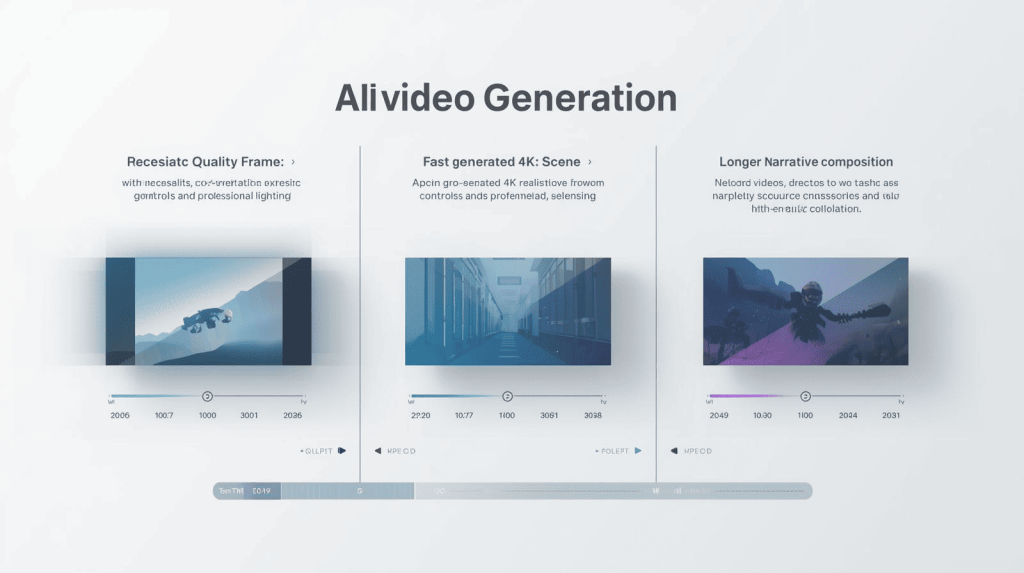
You don’t need all 10 subscriptions. Here is the smartest stack for 2025:
- For Creative Work: Use Midjourney (from our Top 10 AI Design Tools list) to generate a perfect base image, then animate it with Runway or Luma.
- For Corporate Work: Use Synthesia or HeyGen to produce training and explainer content at scale.
Start with the free trials, build a small portfolio of AI-generated clips, and show your clients how you can produce premium video content at a fraction of the traditional cost.
Ready to edit these clips? Check our guide on the Best AI Video Editing Tools for Freelancers to complete your workflow

A.G. Makoudi is a tech writer specializing in SaaS tools and digital solutions, helping readers simplify technology and make smarter software choices.