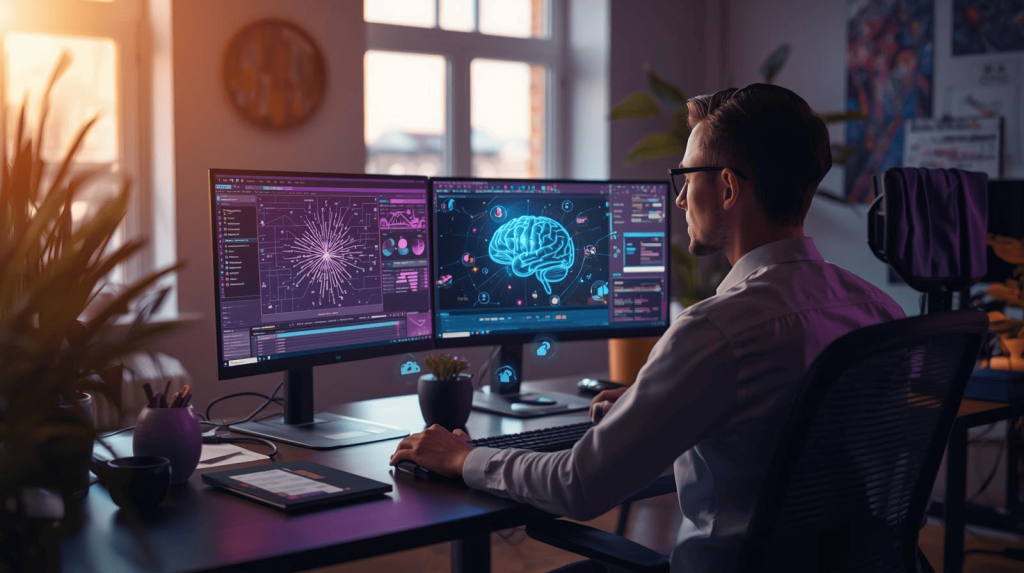
Six months ago, a freelance graphic designer told me she was working 60-hour weeks and barely breaking even. Her mornings disappeared into repetitive client revisions. Afternoons vanished creating social media templates that clients changed their minds about. Evenings evaporated designing variations nobody would choose.
She wasn’t alone. The traditional freelance design model demands impossible tradeoffs: deliver quality, meet deadlines, maintain reasonable rates—pick two. The third always suffers.
Then artificial intelligence changed the equation entirely.
That same designer now works 30-hour weeks, increased her rates by 40%, and delivers better work than before. She didn’t suddenly become twice as talented. She strategically integrated AI into workflows that previously consumed her time without creating value. The mechanical parts—format variations, initial concepts, background removal, layout adjustments—now happen in seconds instead of hours.
But here’s what the AI hype articles don’t tell you: most freelancers are using AI wrong. They either ignore it completely, fearing it will replace them, or they over-rely on it, producing mediocre work that screams “AI-generated” to anyone paying attention.
The truth lives in the middle. AI doesn’t replace design thinking, brand strategy, or creative problem-solving. It eliminates the time-wasting technical execution that prevents talented designers from focusing on those high-value skills.
I’ve spent 18 months testing every major AI design platform, building workflows for real client work, and helping dozens of freelancers integrate these tools strategically. This comprehensive guide shows you exactly which AI tools solve which problems, how to combine them into efficient workflows, and where human expertise still creates all the value.
The Current State of AI Design Tools (2025)
The AI design landscape evolved dramatically in the past two years. Early tools felt like tech demos—impressive capabilities wrapped in frustrating interfaces that required more time learning than they saved using.
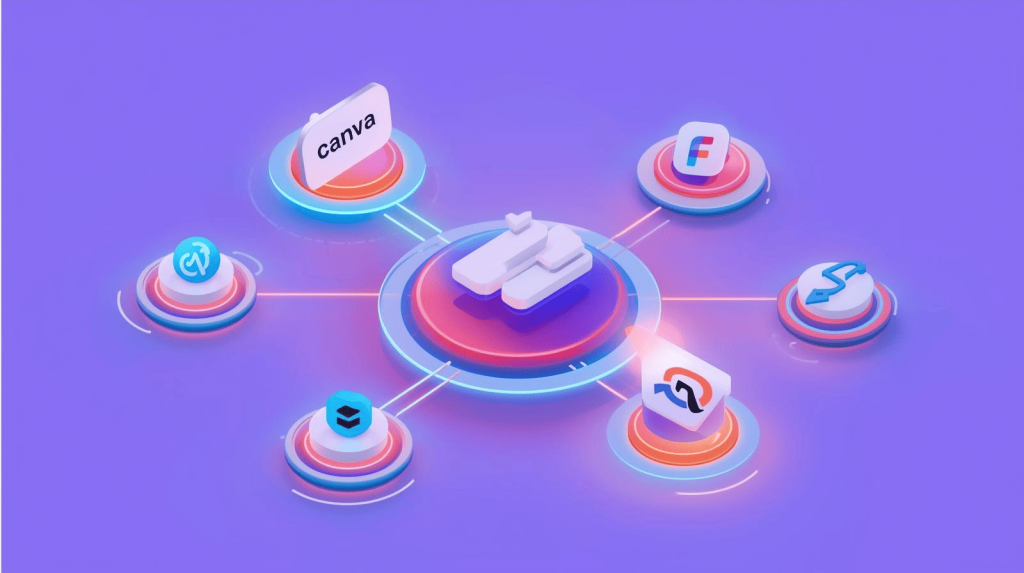
2025 tools integrate seamlessly into existing design workflows. Canva’s Magic Studio lives inside the drag-and-drop editor millions already use. Adobe Firefly embeds directly into Photoshop and Illustrator. Figma AI enhances professional design work without requiring new software.
Three categories dominate the market:
All-in-one platforms like Canva and Adobe Express handle most design needs adequately—social media graphics, presentations, simple branding, basic video editing. They’re Swiss Army knives: convenient, capable, but not exceptional at any single task.
Specialized AI generators like Midjourney and DALL-E 3 excel at specific functions—primarily creating custom imagery from text descriptions. They produce results general platforms can’t match but require integration into broader workflows.
Professional enhancement tools like Figma AI and Photoshop’s generative features augment existing design software for experienced users. They make professionals more efficient without changing how they work fundamentally.
Most freelancers need one tool from each category, not subscriptions to everything promising AI-powered miracles.
Essential AI Design Tools Every Freelancer Should Know
The Foundation: Canva Magic Studio
If you’re choosing only one AI design platform, Canva Pro ($10/month) delivers the best value for most freelance creators.
Magic Design generates complete layouts from text prompts in 30 seconds. Describe “Instagram carousel about productivity tips with modern minimalist design” and receive 15 variations with layouts, colors, typography, and stock imagery.
Magic Resize instantly adapts any design to dozens of platform-specific formats—Instagram post becomes Story, Facebook cover, LinkedIn banner, and Pinterest pin in one click. This single feature saves freelancers hours weekly on multi-platform campaigns
Magic Edit removes backgrounds flawlessly, manipulates photos without Photoshop, and generates AI images using DALL-E integration. For quick photo edits and custom imagery, it eliminates needing separate subscriptions
The unified workflow matters more than individual features. Create, edit, resize, and export without switching between apps. Social media managers producing 20+ posts weekly save 10-15 hours monthly with this integration alone.
Best for: Freelancers creating social content, presentations, marketing materials, or simple branding who prioritize speed and consistency.
For full details, see our comprehensive Canva AI Review testing every feature under real client deadlines.
Premium Imagery: Midjourney & DALL-E 3
General platforms produce competent imagery. Specialized AI generators create standout visuals clients notice and remember.
Midjourney ($10-30/month) generates the highest artistic quality available. Lighting, composition, texture, and color harmony consistently look professionally art-directed. Perfect for branding projects, marketing campaigns, or any work where visual impact justifies premium subscriptions.
The Discord-based interface frustrates initially but becomes second nature after 50+ generations. Style consistency using reference images maintains brand aesthetics across projects—critical for freelancers managing client guidelines.
DALL-E 3 (included with ChatGPT Plus at $20/month) excels at accuracy and ease of use. Describe exactly what you want conversationally, and the AI places elements precisely where specified. Integrated into ChatGPT means iterating through conversation rather than complex prompt engineering.
Commercial safety matters. OpenAI trained DALL-E on licensed content, reducing copyright concerns that plague some competitors. Generated images include creator rights for client work without legal ambiguity.
Best for: Distinctive brand visuals, marketing imagery, blog headers, and social content where uniqueness creates value.
For detailed comparison, read our Midjourney vs DALL-E vs Stable Diffusion Review with head-to-head quality tests.
Professional Workflow Enhancement: Figma AI
Designers already using professional tools shouldn’t abandon them for AI platforms. Instead, activate AI features in software you already master.
Figma AI generates layouts from text prompts using your existing design system automatically. Request “SaaS pricing page with three tiers” and receive responsive components with proper hierarchy—not generic templates, but designs following your brand’s established patterns.
Smart Layout Adjustments automatically reflow designs when adding or removing content, maintaining spacing and alignment without manual repositioning. This automation eliminates hours of mechanical execution on websites and apps with dozens of pages.
Design-to-Code export generates cleaner HTML/CSS and React components than previous versions, reducing developer cleanup time and friction between design and development teams.
Best for: Professional UI/UX designers building websites, dashboards, or apps with established design patterns who want productivity without learning new tools.
For implementation details, see our Uizard & Figma AI Review comparing rapid prototyping versus professional enhancement approaches.
Specialized Solutions: When to Add More Tools
Logo creation: Looka ($20-65 one-time) or Brandmark ($25-65) generate professional logos with complete brand kits faster than traditional design processes. Perfect for budget-conscious clients or side business branding
Instagram carousels: Piktochart AI ($29/month) creates multi-slide educational content more effectively than general platforms. The specialization matters if carousel posts drive your social strategy
Social media scheduling: Adobe Express Premium ($9.99/month) includes TikTok scheduling through exclusive partnership—valuable if managing multi-platform client accounts.
For comprehensive tool comparisons, explore our Top 10 AI Design tools for Freelancers with pricing, features, and ideal use cases.
Building Your AI-Powered Design Workflow
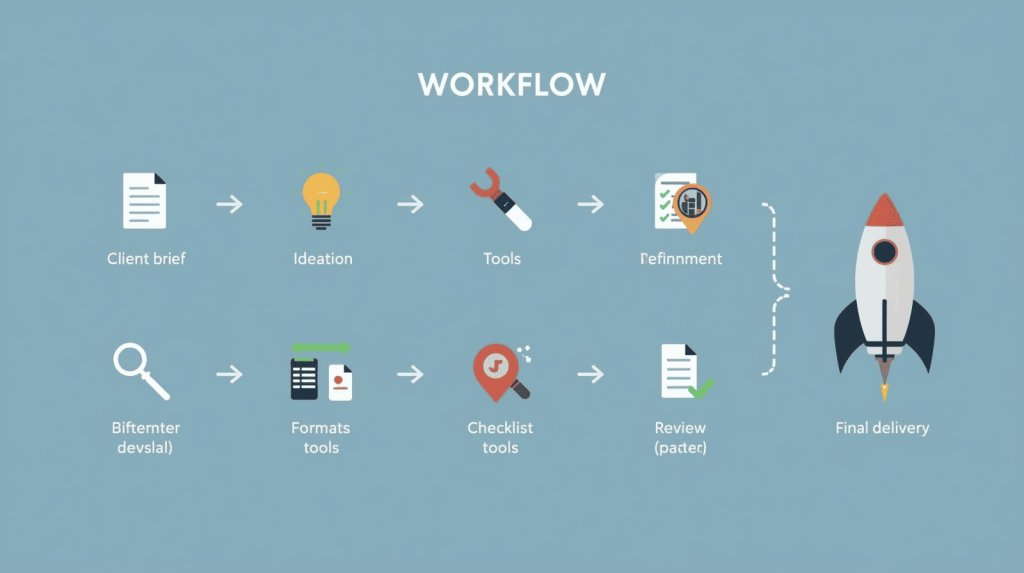
Tools don’t create value—strategic workflows do. Here’s how successful freelancers combine AI platforms into efficient processes that consistently deliver professional results quickly.
The 30-Minute Design Sprint
This workflow transforms client briefs into polished deliverables in under 30 minutes for standard projects—social graphics, simple branding, presentation slides.youtube
Step 1: Brief Analysis (2 minutes)
Paste client requirements into ChatGPT with this prompt: “Extract design requirements including brand colors, target audience, key message, deliverables, and constraints.”
The AI structures messy email communication into actionable specifications you reference throughout execution.
Step 2: Concept Generation (5 minutes)
Use structured requirements to generate initial visuals:
- Midjourney or DALL-E for unique imagery with detailed prompts
- Canva Magic Design for standard formats with brand requirements
Generate 10-15 variations without overthinking. AI iteration costs nothing. Select the strongest 3 concepts solving the client’s problem while matching their brand.
Step 3: Refinement (10 minutes)
This is where human expertise creates value. AI gives you 70% solutions—your knowledge transforms them into 100% professional work.
Adjust typography for hierarchy. Fine-tune colors to exact brand guidelines. Replace generic elements with client-specific assets. Ensure consistent spacing and alignment.
The discipline: If customization exceeds 10 minutes, regenerate with better prompts. This prevents perfectionism from destroying efficiency.
Step 4: Format Variations (3 minutes)
Magic Resize adapts your design to Instagram, Facebook, LinkedIn, Pinterest formats instantly. Review each ensuring text remains readable and hierarchy works at different aspect ratios.
Step 5: Quality Control (5 minutes)
Professional difference lives here:
- Readability on phone screens
- Exact brand color and font matching
- Message clarity
- High-resolution images
- Platform specifications met
Use ChatGPT to proofread copy with “Review this caption for grammar, clarity, and engagement”.
Step 6: Delivery (5 minutes)
Batch export all formats. Use ChatGPT to draft delivery emails. Upload to client platforms. The structured workflow eliminates scrambling to remember what you created.
For complete workflow implementation, see our AI Design Workflow for Busy Freelancers guide with real client examples and timing breakdowns.
Category-Specific AI Strategy
Different design specializations benefit from different AI approaches. Here’s how to optimize for your specific niche.
Social Media Design
Primary tools: Canva Pro + Adobe Express Premium
Create content 3-5x faster than traditional methods. Magic Design handles initial concepts. Magic Resize creates platform variations. Built-in scheduling eliminates separate management tools
Time investment: 4-6 hours weekly for complete multi-platform client packages (previously 12-15 hours).
For platform-specific testing results, read AI Social Media Design Tools Tested comparing Canva, Adobe Express, Piktochart, and Microsoft Designer on identical content.
Logo & Branding
Primary tools: AI logo generators + Canva for collateral
Generate professional starting points in minutes, then customize with strategic brand thinking. The combination delivers quality comparable to traditional design at fraction of time investment.
Reality check: AI logos work brilliantly for small businesses and startups. Established brands requiring distinctive competitive advantage still justify custom design work.
For honest assessment of limitations, see AI Logo Makers Reviewed answering whether you can really build brands with algorithmic design.
UI/UX Design
Primary tools: Figma AI for production + Uizard for rapid concepting
Figma AI accelerates professional workflows without changing established processes. Uizard generates throwaway prototypes for client feedback before investing detailed design time
Strategic separation: Use speed tools for validation, professional tools for implementation. Don’t confuse the two.
What AI Handles Well vs. What Still Requires Humans
Understanding these boundaries prevents wasted effort and disappointing results.
AI Excels At:
Technical execution: Background removal, format variations, layout adjustments, color palette generation—mechanical tasks with clear rules.
Volume production: Creating 50 social posts faster than 5 custom designs. AI doesn’t tire or lose quality at scale.
Exploration: Generating dozens of concept variations quickly for client selection. Iteration without hourly costs.
Standard patterns: Pricing pages, login forms, Instagram carousels, presentation templates following established conventions.
Humans Still Own:
Strategy: Understanding client business goals, competitive positioning, target audience psychology.
Creative direction: Making aesthetic judgments AI can’t replicate. Deciding which generated options solve problems effectively.youtube
Brand alignment: Applying exact client guidelines AI doesn’t access. Ensuring visual identity matches established systems.
Quality judgment: Recognizing when AI output needs refinement versus regeneration. Professional standards AI can’t self-assess.
Client relationships: Understanding unstated needs, managing expectations, translating feedback into design decisions.
The most successful freelancers use AI for the first list while protecting time for the second list—where clients actually pay premium rates.
Common Mistakes Freelancers Make with AI Design Tools
Mistake 1: Using First AI Output Without Refinement
Raw AI designs look generic because they optimize for average tastes, not specific brand strategies. The 10-minute customization creates professional difference clients recognize and pay for
Mistake 2: Paying for Every AI Tool
You don’t need subscriptions to Canva, Adobe Express, Midjourney, Figma, and six specialized platforms simultaneously. Most freelancers thrive with 2-3 strategic tools totaling $30-50 monthly, replacing the $200+ they used to spend.
Mistake 3: Ignoring AI Entirely
“AI will never replace real designers” is both true and irrelevant. Competitors using AI strategically deliver more work at higher quality in less time. They’re not replacing you—they’re outcompeting you.
Mistake 4: Over-Reliance Creating Template Designs
Clients hire freelancers for strategic thinking and creative problem-solving, not to operate software faster. AI handles execution. Your brain handles everything else
The Future of AI in Freelance Design (What’s Coming)
Current AI tools already transform freelance workflows dramatically. The next 12-24 months will reshape the industry further.
Real-time collaboration AI will participate in design discussions, suggesting alternatives and catching brand guideline violations during creation rather than after.
Voice-activated design tools will let designers speak adjustments into existence: “Make that heading larger and shift it left 20 pixels”.
Hyper-personalization will generate design variations optimized for individual viewer preferences automatically, A/B testing thousands of combinations to find highest-performing versions.
Motion graphics automation will apply the same text-to-image revolution to video and animation, making sophisticated motion design accessible to static graphic designers.
The freelancers thriving in this future won’t be the ones fighting AI or blindly adopting everything. They’ll be the ones strategically integrating tools that amplify human expertise rather than attempting to replace it.
Getting Started: Your First 30 Days with AI Design Tools
Week 1: Set up Canva Pro ($10/month). Create 10 designs for existing clients using Magic Design and Magic Resize. Track time saved versus traditional methods.
Week 2: Add ChatGPT Plus ($20/month). Use it for brief analysis, copywriting, and client communication. Measure efficiency gains in admin tasks.
Week 3: Test Midjourney Basic ($10/month) or rely on DALL-E through ChatGPT. Generate custom images for one project. Compare results to stock photography.
Week 4: Audit your workflow. Calculate hours saved, quality improvements, and client feedback. Decide which tools justify continued subscriptions based on actual results, not promises.
Total investment: $40 for comprehensive testing. Less than one billable hour for most freelancers.
The Bottom Line
AI design tools don’t replace talented freelancers. They eliminate the mechanical execution that prevents talented freelancers from focusing on strategic work clients actually value.
The future of freelance design isn’t humans versus AI—it’s strategic humans leveraging AI to deliver better work more profitably. That future arrived in 2025. The question isn’t whether to adopt AI tools. It’s whether you’ll adopt them strategically or watch competitors who did capture the clients willing to pay for efficiency plus expertise.
Start with one platform. Master it completely. Add tools only when specific client needs clearly justify additional subscriptions. Focus AI on execution while protecting your time for strategy, creativity, and relationships.
That’s how $10 monthly software subscriptions create $1,000+ monthly revenue increases for freelancers who understand the difference between tools and value.

A.G. Makoudi is a tech writer specializing in SaaS tools and digital solutions, helping readers simplify technology and make smarter software choices.