Last quarter, I watched a marketing team celebrate hitting their lead generation goals—10,000 new contacts captured. Two weeks later, their sales director complained that half those leads never made it into Salesforce, and the ones that did arrived with incomplete information that made follow-up nearly impossible.
The problem wasn’t lead quality or team performance. It was a broken integration between their marketing automation platform and CRM that silently dropped data, duplicated records, and left both teams working from different versions of reality. They’d spent six figures on best-in-class tools, then connected them with duct tape and hope.
CRM integration isn’t glamorous work, but it’s foundational. Done right, it eliminates data silos, automates tedious manual tasks, and creates the unified customer view that makes personalization actually possible. Done wrong, it creates chaos that undermines every downstream process.
In this guide, I’m sharing the battle-tested practices that separate successful CRM integrations from expensive failures, based on implementations across dozens of organizations.
Why CRM Integration Matters More Than Ever
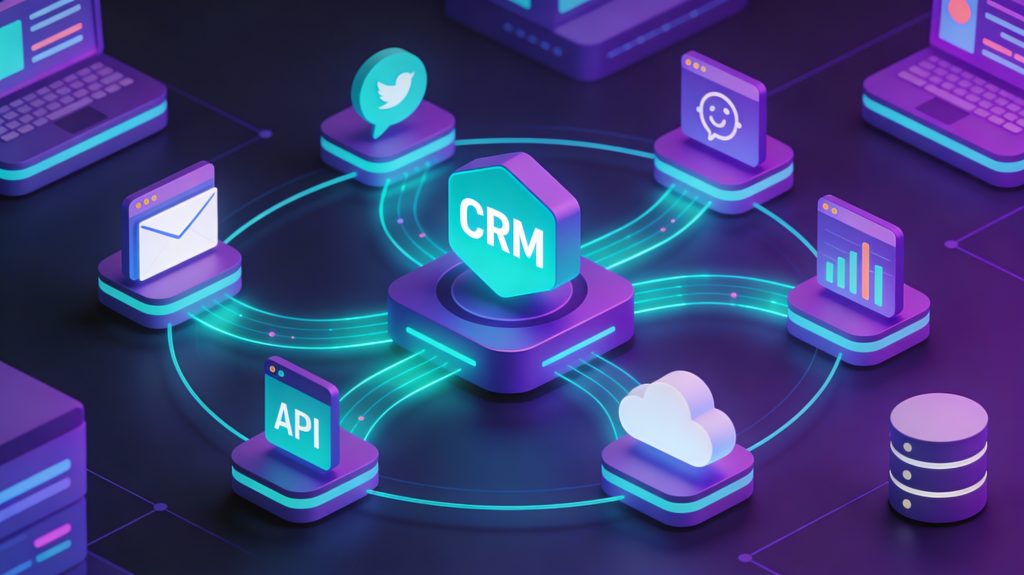
Modern revenue teams operate across 10-15 different tools on average: CRM, marketing automation, email platforms, analytics, customer support, billing systems, product analytics, and more. Each system captures valuable customer data, but that data only creates value when it flows seamlessly between platforms.
Eliminating data silos ensures everyone works from the same customer information, ending the “which system is right?” debates that plague cross-functional meetings. Reducing manual entry and errors through automated data syncs frees teams from CRM housekeeping that consumes hours weekly. Enabling real-time updates across systems improves responsiveness as customer actions in one channel trigger appropriate responses in others.
Supporting better analytics and forecasting becomes possible when unified data sets reveal the complete customer journey rather than fragmented snapshots from individual tools. These benefits align perfectly with broader AI-powered CRM and email automation strategies that depend on comprehensive data to generate accurate predictions and personalization.
Types of CRM Integrations
Native Integrations
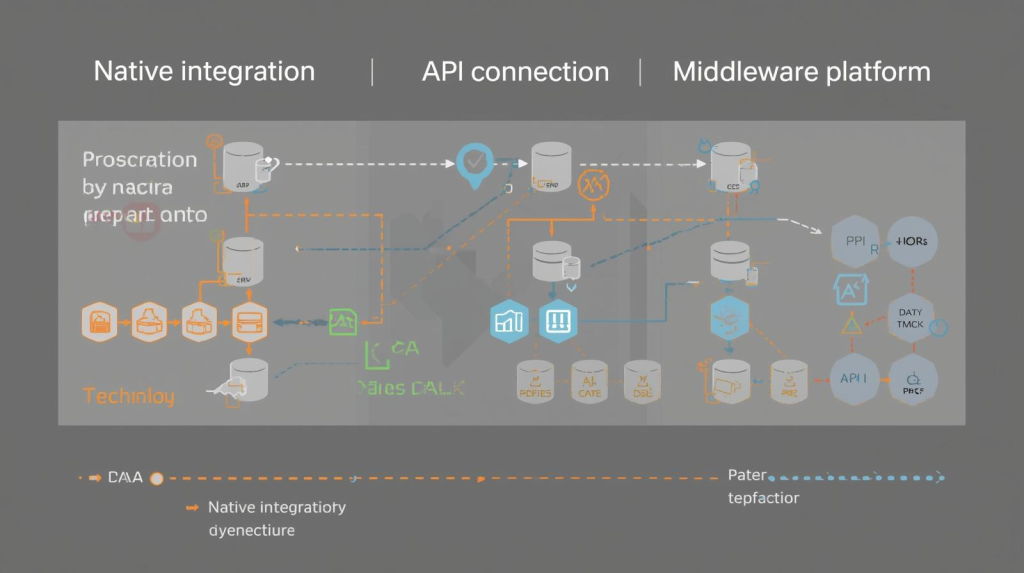
Native integrations are pre-built connections between platforms, typically requiring minimal technical configuration. HubSpot’s native Salesforce integration or Marketo’s connection to Microsoft Dynamics exemplify this approach—you authenticate both systems, map a few fields, and data begins flowing.
These integrations offer the fastest time-to-value and easiest maintenance, but customization options remain limited to what the vendors built. They work beautifully for standard use cases but struggle when your processes differ from the defaults.
API-Based Integrations
API integrations use the application programming interfaces each platform exposes to build custom connections. This approach delivers maximum flexibility—you control exactly what data syncs, when it moves, and how it transforms between systems.
The trade-off comes in complexity and maintenance requirements. API integrations need developer resources to build and monitor, and they break when vendors update their APIs without warning. For organizations with unique requirements or custom workflows, this investment delivers necessary capabilities unavailable through native options.
Middleware Platforms
Integration platforms like Zapier, Workato, or MuleSoft sit between your tools and orchestrate data movement without custom code. They offer more flexibility than native integrations with less complexity than pure API development, making them ideal for most mid-market companies.
These platforms charge based on task volume or data throughput, which can become expensive at scale. They also introduce another vendor dependency and potential point of failure in your technology stack.
CRM Integration Best Practices
Define Clear Integration Objectives
Start with specific, measurable goals tied to business outcomes. Are you trying to reduce lead response time from 4 hours to 30 minutes? Eliminate 10 hours weekly of manual data entry per rep? Improve forecast accuracy by 20%?
Clear objectives guide every technical decision and provide the success criteria that prove ROI. Engage stakeholders from sales, marketing, and customer service to understand their unique needs and pain points. Document these requirements before selecting integration methods or beginning implementation.
This goal-setting process connects naturally to email automation workflow strategies that depend on reliable CRM data to trigger appropriate messages at the right moments.
Prioritize Data Quality Before Integration
Poor data quality multiplies during integration. That single duplicate contact record becomes three duplicates spread across connected systems. Incomplete address information propagates to your billing platform, causing fulfillment delays.
Clean and enrich data before connecting systems to prevent errors from spreading. Standardize formats for phone numbers, addresses, and company names. Merge duplicate records. Fill gaps wherever possible through enrichment services or manual research. Establish data governance processes ensuring future information meets quality standards.sales.
The accuracy of your AI customer segmentation depends entirely on clean, standardized data—garbage in, garbage out applies doubly to integrated systems.
Map Data Fields Carefully
Field mapping determines which information from System A populates which fields in System B. This seemingly technical detail causes most integration failures when done hastily.
Map fields methodically, documenting the purpose and data type for each connection. Decide how you’ll handle conflicts—does your marketing automation platform or CRM serve as the source of truth for contact information? What happens when the same field updates simultaneously in both systems?
Test mappings thoroughly with sample data before enabling synchronization for your entire database. One mapping error can corrupt thousands of records in minutes once sync begins.
Implement Proper Security and Access Controls
CRM integrations create new security vulnerabilities by expanding the attack surface and access points to sensitive customer data. Protect information through authentication protocols like OAuth 2.0, role-based access controls, and the principle of least privilege.
Ensure integrations comply with data privacy regulations applicable to your markets—GDPR, CCPA, HIPAA, or industry-specific requirements. Document data flows clearly so you can demonstrate compliance during audits and respond appropriately to data subject access requests.
Use enterprise-grade encryption for data in transit and at rest. Regularly review and rotate API keys or tokens to minimize exposure if credentials are compromised.
Plan for Scalability and Performance
Business needs evolve, and integrations must grow accordingly. Select platforms and architectures that accommodate new applications, increased data volumes, and additional users without requiring complete rebuilds.sales.
Use asynchronous processing for non-time-sensitive data transfers to avoid performance bottlenecks. Implement rate limiting and throttling to prevent integrations from overwhelming systems during high-volume periods.
Monitor integration performance continuously, tracking sync times, error rates, and data volumes. Set alerts that notify administrators when performance degrades or errors spike unexpectedly.
Test Thoroughly Before Full Deployment
Never deploy integrations directly to production environments without extensive testing. Use sandbox or staging environments that mirror production configurations to validate functionality safely.
Test edge cases and error scenarios, not just happy paths. What happens when required fields are missing? How does the system handle duplicate records? Does it gracefully manage API rate limits or crash spectacularly?
Develop rollback procedures before going live so you can quickly revert changes if issues emerge. Document the rollback process clearly and ensure multiple team members understand how to execute it under pressure.
Monitor, Maintain, and Optimize Continuously
Integration isn’t a one-time project—it requires ongoing monitoring and maintenance. APIs change, business requirements evolve, and data quality issues emerge over time.
Schedule regular reviews assessing integration health: sync success rates, data quality metrics, performance benchmarks, and user satisfaction. Track which integrations deliver genuine value versus those consuming resources without meaningful benefits.
Stay informed about API roadmaps from vendors whose platforms you integrate. Implement version control for custom integrations so you can manage dependencies and updates systematically.
Common Integration Pitfalls to Avoid
Over-engineering solutions leads to complex integrations that break frequently and require specialized knowledge to maintain. Start simple, prove value, then expand capabilities incrementally based on actual needs rather than hypothetical scenarios.
Ignoring change management results in teams continuing old manual processes despite automation being available. Invest time training users, demonstrating benefits through pilot results, and addressing concerns transparently.
Failing to document integrations creates organizational risk when the one person who understands how everything connects leaves the company. Maintain clear documentation covering architecture diagrams, field mappings, data flows, access credentials, and troubleshooting procedures.
Neglecting error handling means small issues snowball into data disasters. Implement robust error logging, notification systems, and automated recovery procedures that handle common failures gracefully.
Real-World Integration Results
Organizations implementing proper CRM integrations report measurable improvements:
- 30-50% reduction in manual data entry time as automated syncs eliminate CRM housekeeping
- 25-40% improvement in lead response times when marketing automation triggers instant CRM updates
- 15-30% increase in forecast accuracy from unified data enabling better analytics
- 20-35% boost in campaign ROI through better targeting powered by complete customer profiles
These results come from treating integration as strategic capability rather than technical afterthought.
The Future of Connected Customer Platforms
CRM integration complexity will only increase as organizations adopt more specialized tools. The winning approach isn’t trying to consolidate everything into a single platform—it’s building flexible integration architecture that connects best-of-breed solutions seamlessly.
Organizations combining robust CRM integration with AI-powered automation create competitive advantages that compound over time. Clean, unified customer data enables accurate predictions, effective segmentation, and personalization that feels genuinely tailored rather than mass-produced.
The technology enabling seamless integration already exists. The question is whether you’ll invest the time to implement it properly or continue tolerating the inefficiency, errors, and frustration that broken integrations create daily.

A.G. Makoudi is a tech writer specializing in SaaS tools and digital solutions, helping readers simplify technology and make smarter software choices.